Approving or rejecting preannouncements
You can approve or reject preannouncements for visitors:
- of a location (building, department, berth, …) belonging to your terminal.
- of vessels that are expected on a quay of your terminal as extra approval on top of the shipping agent’s approval (if desired). This is configurable by Prean. Contact Prean if you want to see this mechanism activated or deactivated for your company.
- of a contact person within your company. These contacts will also need to be linked to locations within your terminal.
You will receive an approval e-mail for these preannouncements on the e-mail address(es) or email-group(s) configured by Prean. There is a link in the mail that will redirect you to the Prean to evaluate the preannouncement.
Contact info@prean.be if you want to change the addressees of these e-mails.
Note: You can only approve or reject preannouncements if you have the appropriate permissions. There is a minimum of one admin per company. This admin can assign approvers per location. The admin of your company can do this under "configuration" - "approvers".
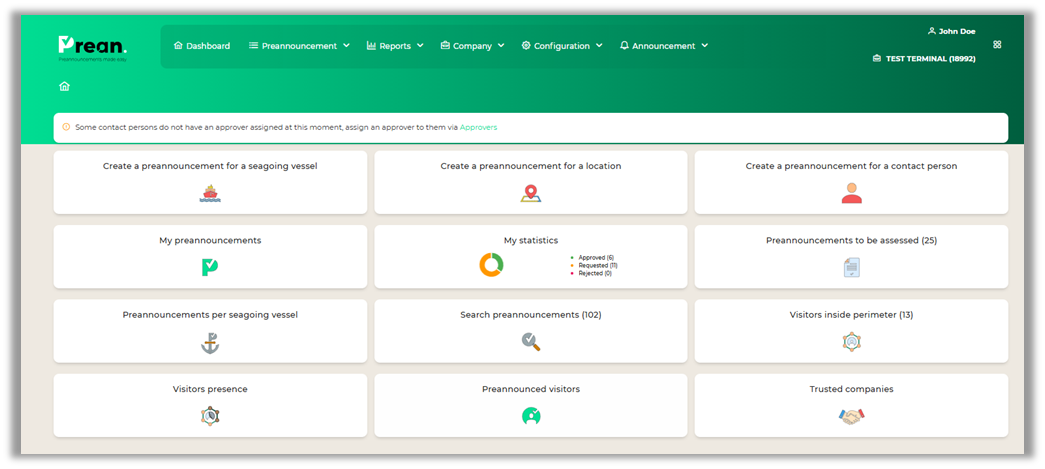
Approving or rejecting preannouncements
Approving or rejecting preannouncements can be done by opening the view ‘Preannouncement to be assessed’. In this view you can evaluate a preannouncement by clicking on a record.
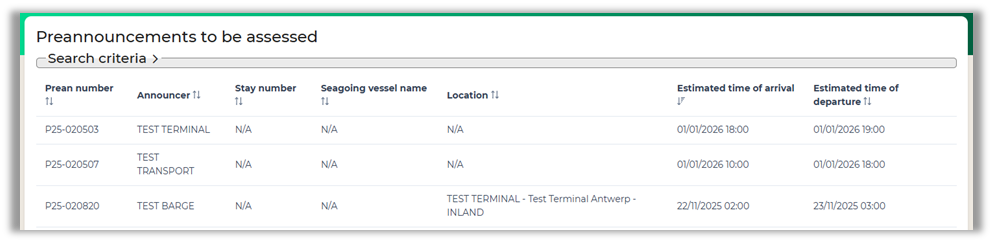
The details of the preannouncement will open
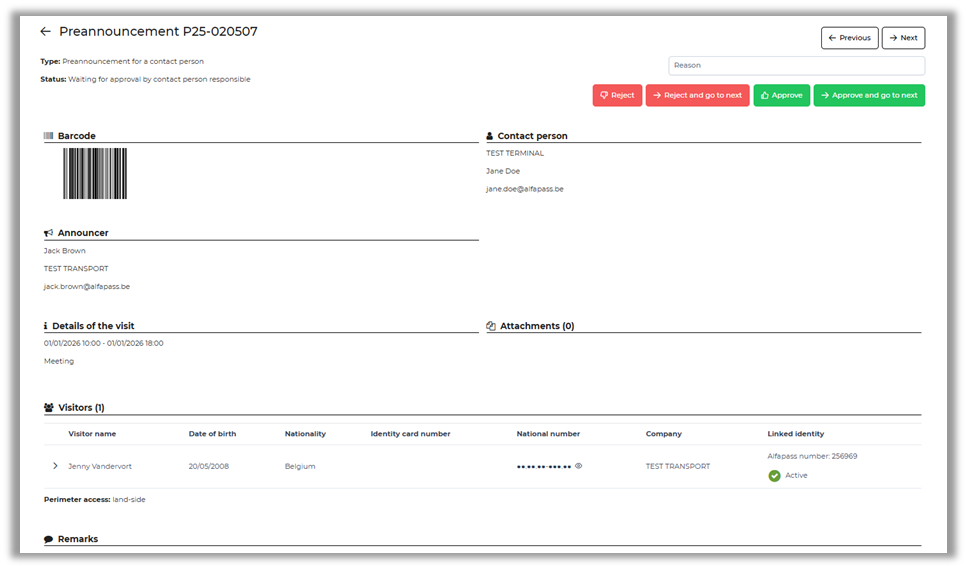
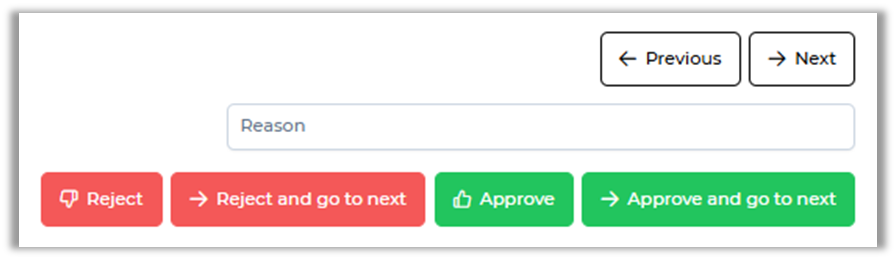
There will be 4 buttons (2 buttons if there's only one preannouncement in the list):
- Approve
- Approve and go to next
- Reject
- Reject and go to next
When you choose to reject a preannouncement, it’s mandatory to provide a reason.
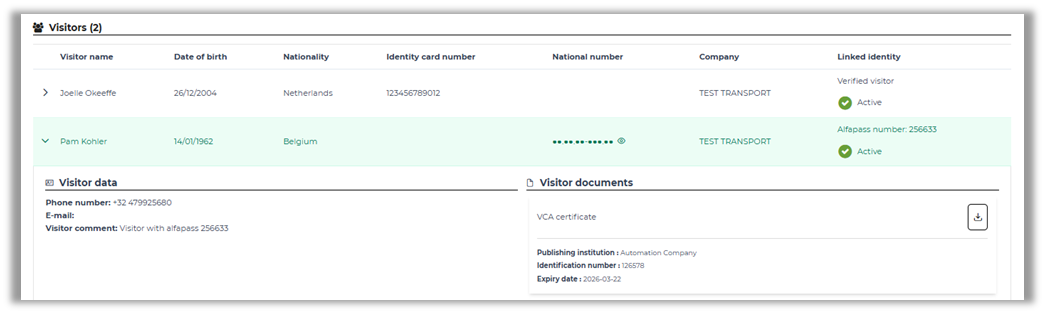
By clicking on a visitor, you receive more information about him. Some terminals require official documents or certificates to be allowed access to the location. Whenever a visitor possesses these documents, you can download them here.
Approving or rejecting for a contact person
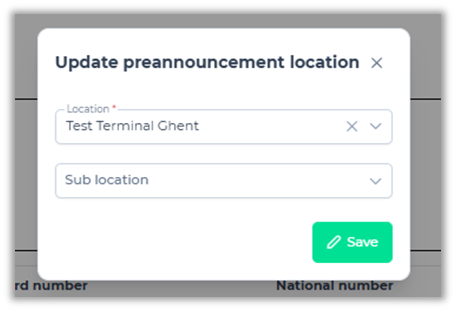
When you are linked as an approver to a contact person, these preannouncements require a bit more input. You will see the same details as any other preannouncements but when clicking the “Approve” button, you will be asked to link the (sub)location where the visit will take place.