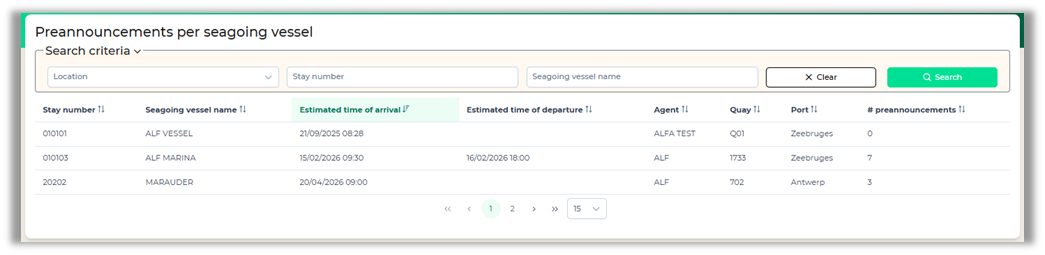
Preannouncements per seagoing vessel
You can get an overview of all preannouncements made for current and future vessels on your terminal, by clicking on the ‘Preannouncements per seagoing vessel’ button.
Using the search criteria
On top of the screen you can open the Search criteria option. This gives you the opportunity to filter your results.
Details
You can see the exact same details as looking for the preannouncement through the ‘lookup preannouncements’ button. The screen is slightly different but contains the same information.
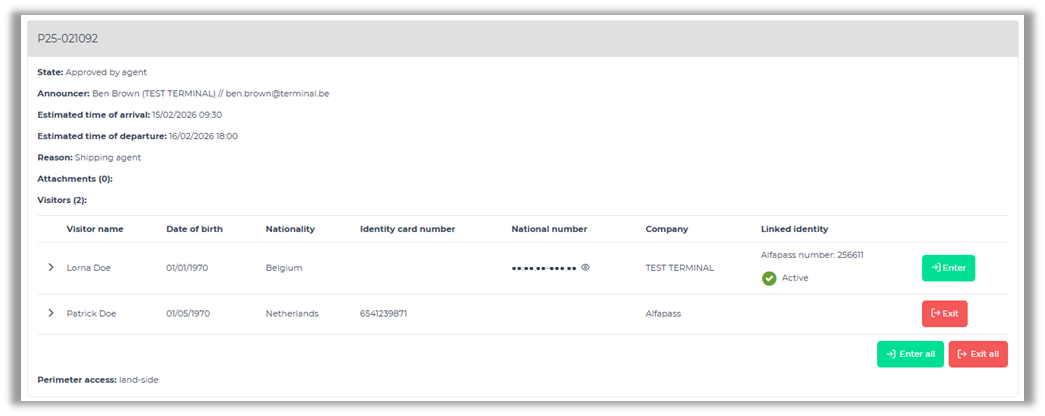
If you want, you can export this view to PDF. The pdf document will group all visits per reason of visit.

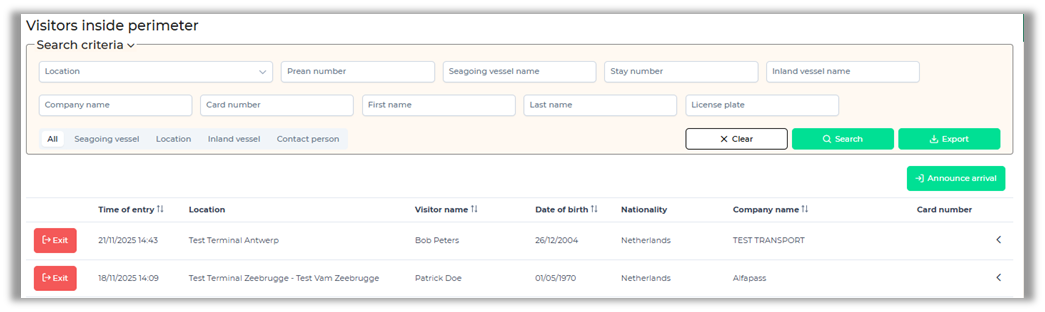
Visitors inside perimeter
This screen provides an overview of the visitors currently registered within the perimeter. Several fields are available to identify a visitor. You can mark visitors as "departed" by clicking the "Exit" button. Clicking the "Export" button downloads a PDF with an overview of all visitors currently within the perimeter.